Flows & Nodes
Flows and nodes are at the foundations of forgelab. They are used to automate tasks

Overview
All automation in forgelab revolves around flows. A flow is composed by a series of steps. Each step is called a node. A node is generally responsible for a single action.
Flows require an event node in order to get started.
Basics
Create a flow
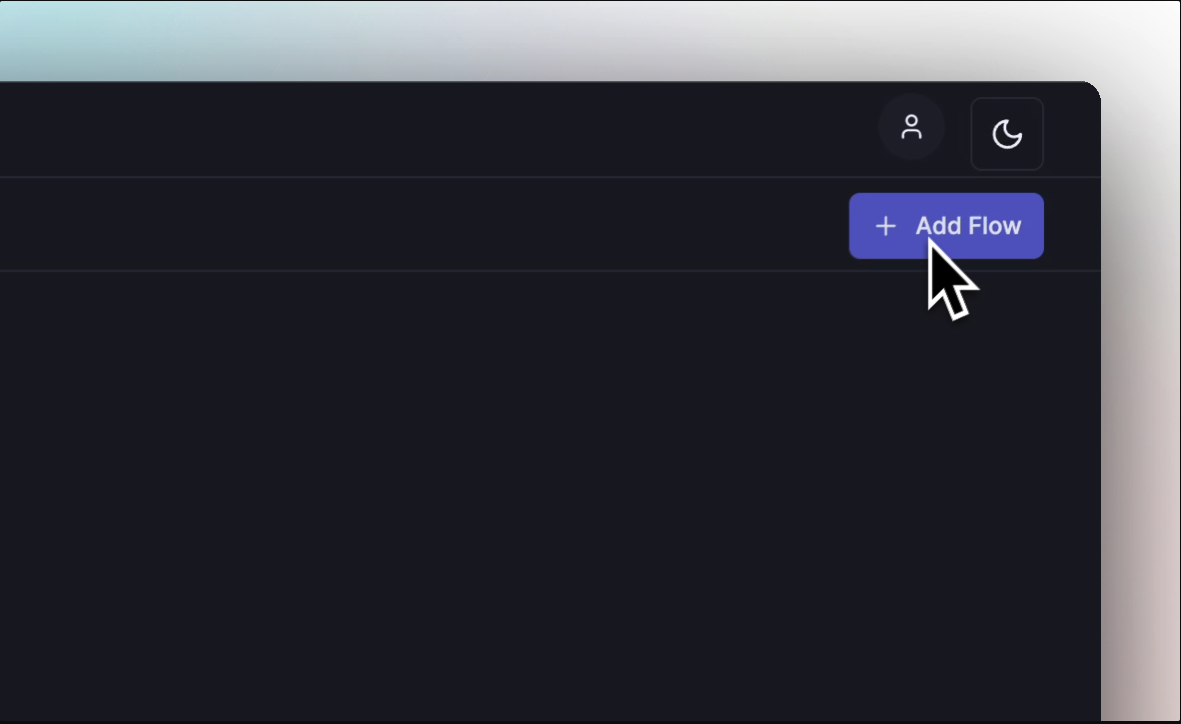
Go to https://app.forgelab.ai, and click onto the Add Flow button.
Enter a name and a description and click Add. This should redirect you to the flow editor page.
Add a node
There are 3 ways of adding a node.
- You can right click on the viewport (the dotted background)
- You can click on the top left hand side
+button.
- You can drag any node pin.
A list of nodes will appear. In this example you could select the Console node, which is used to print data.
Node Types
There 3 main node types.
- Event: It is used to trigger a flow
- Output: It is used to return a final value after the flow is executed
- Functions: Most nodes a functions, each function serve a purpose
Connect the nodes
It is necessary to connect the nodes in order to understand how each node interact with each other. More details are given in the Pins & Types chapter. Not connecting nodes will result in premature or invalid execution.
Click on the Event node pin and drag to connect to the newly added Console node.
Configure the node
Each node must be configured according your need.
Click on the Console node. A configuration panel is displayed on the right hand side. Type "Hello World" in the text box labelled Template.
Save the flow
Click on the Save button
Start the flow
Click on the Play button. Wait few seconds for the flow to execute. For each node executed, you should see the time it took to execute.
Right click on the Console node and click inspect, then click on the Logs tab.